01
Make an introduction.
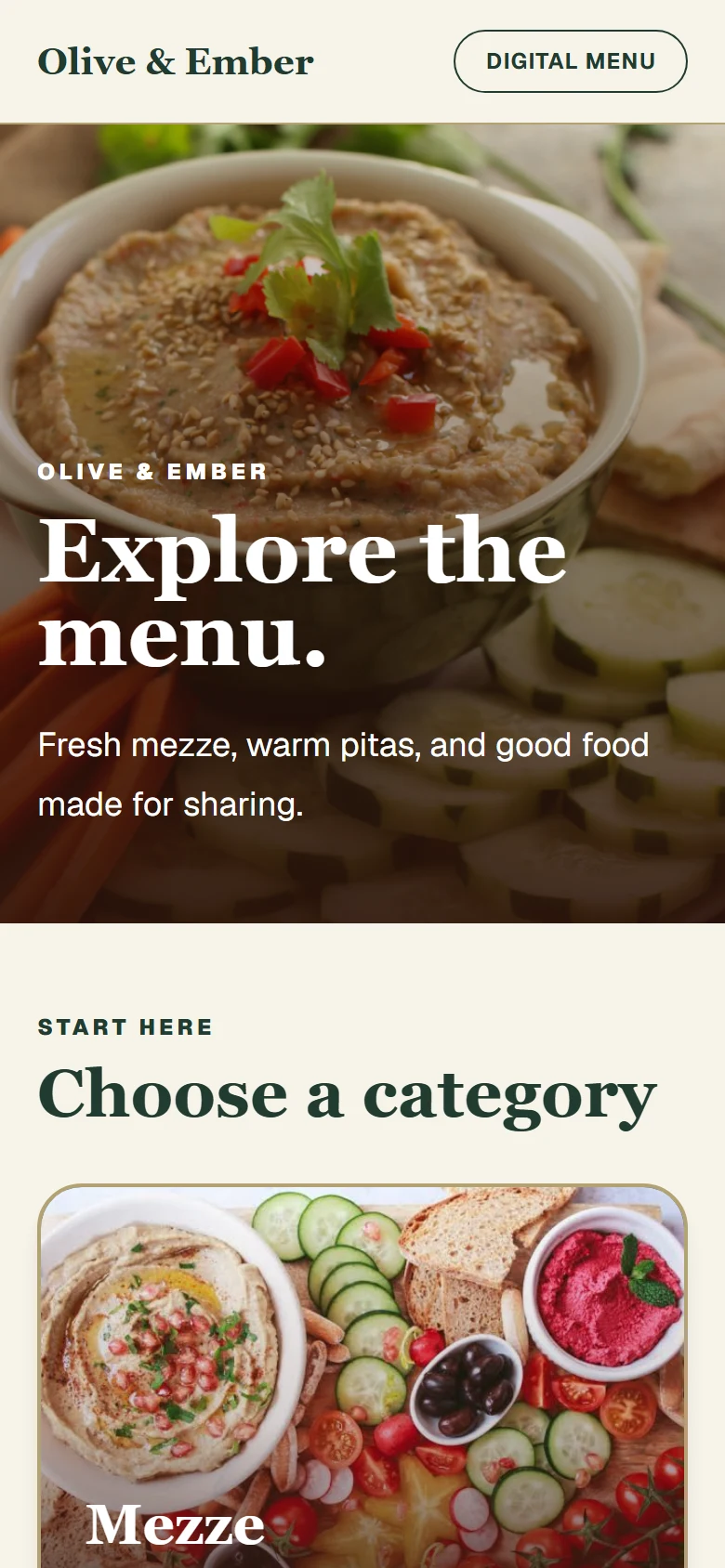
Your food, photos, and prices in a menu guests can open on their phone. We build it, set up your table tags, and handle the updates.
Questions? WhatsApp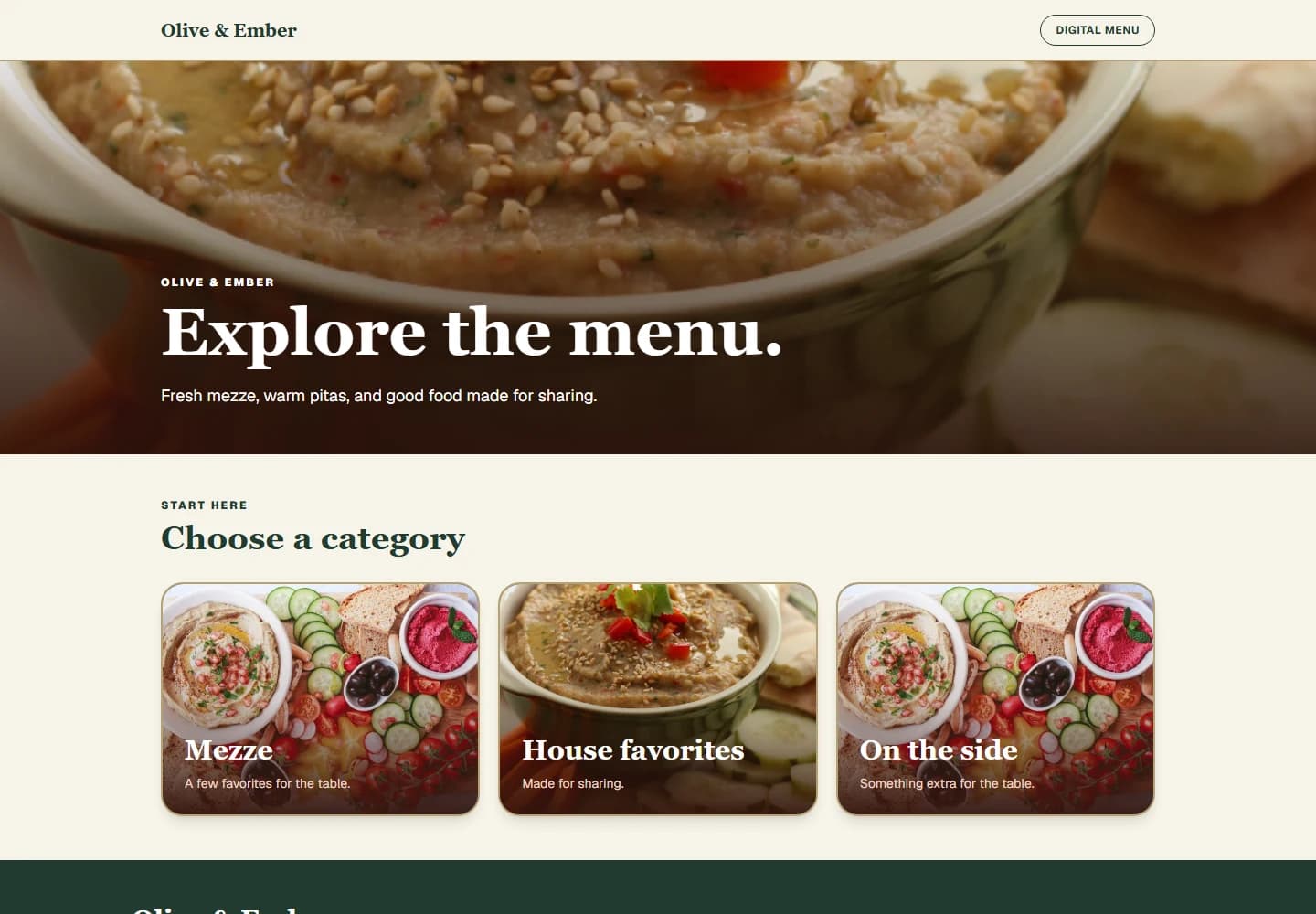
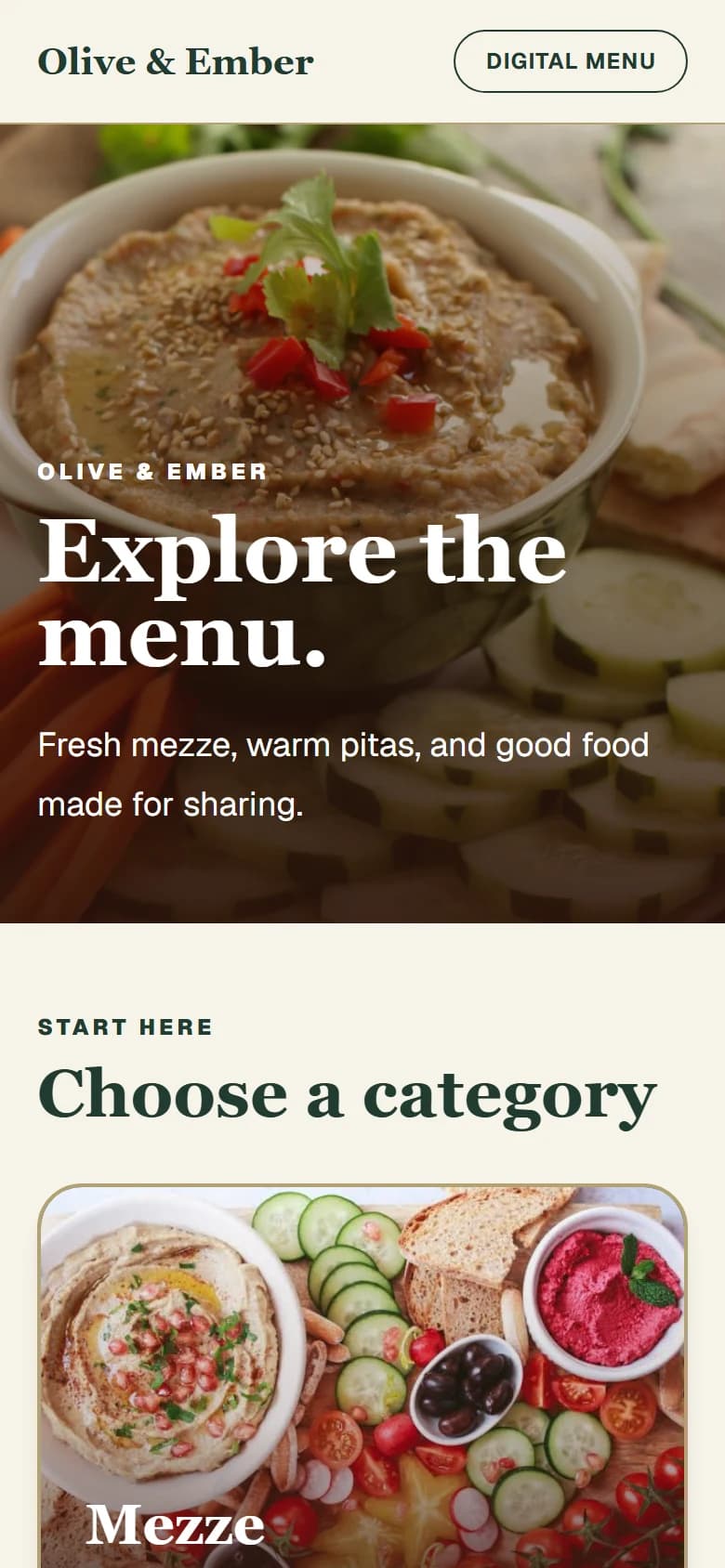
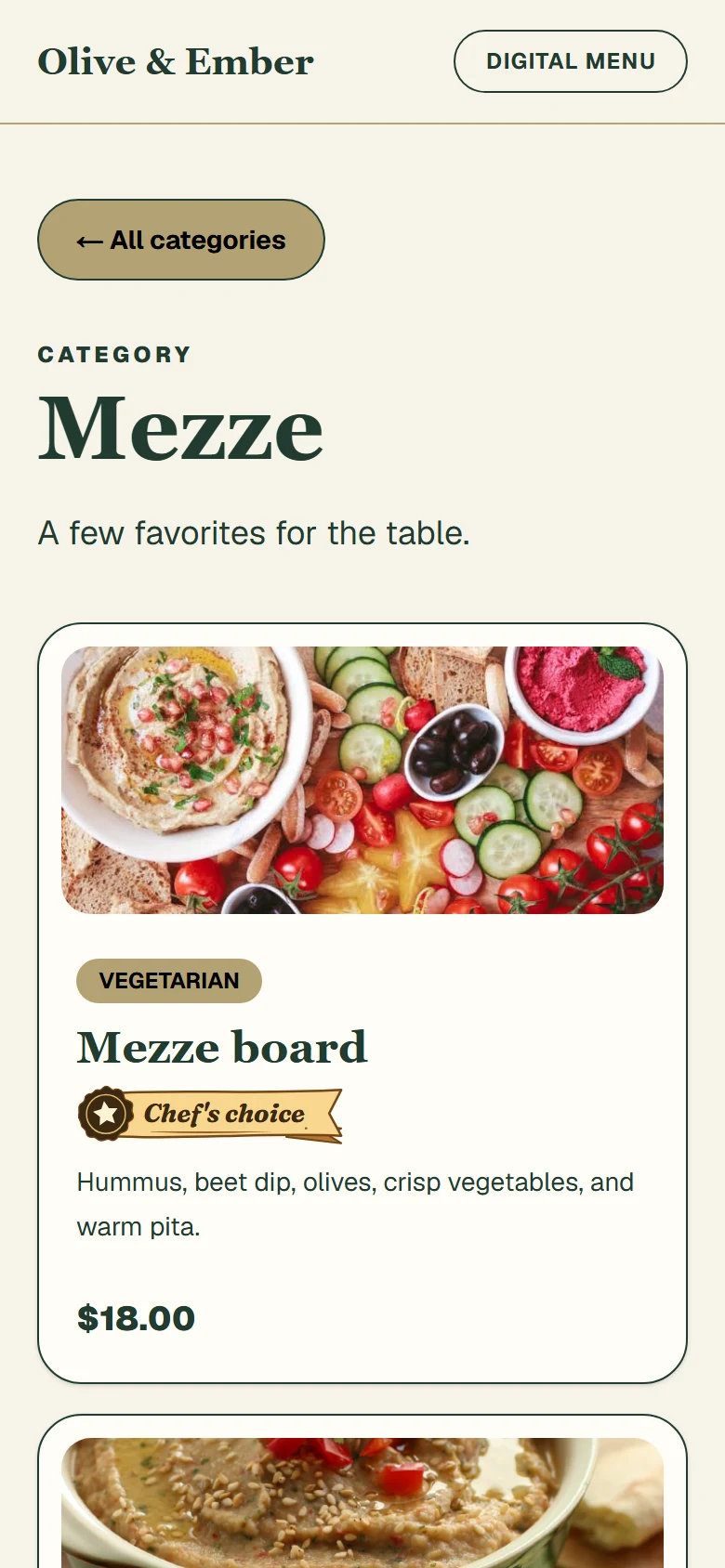
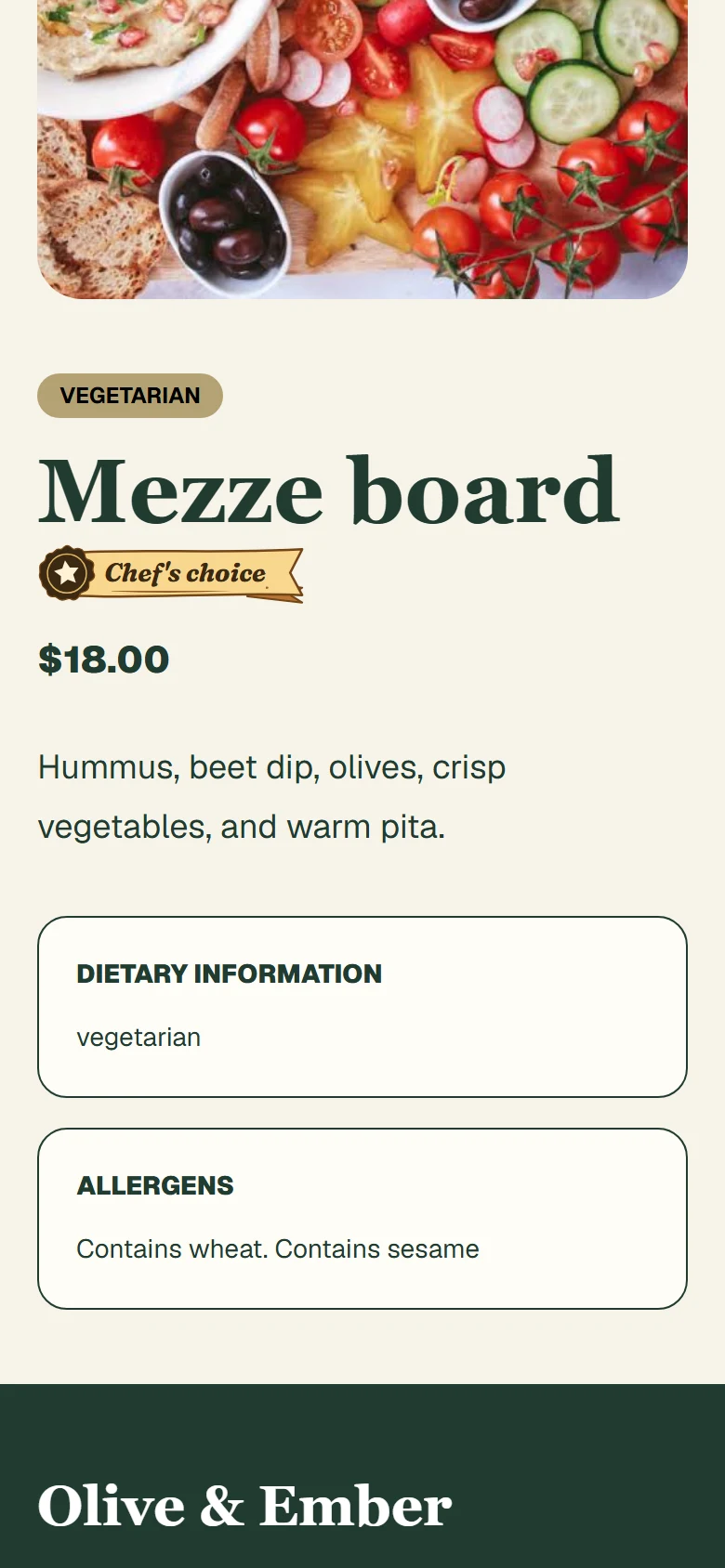
A menu that looks like youYour branding, not a PDF.
Tap. Scan. Browse.No app or guest account.
Changes handled by our teamNot another tool to manage.
A first look, a favorite dish, the details that matter. Here's how a Blue Feet menu comes together.
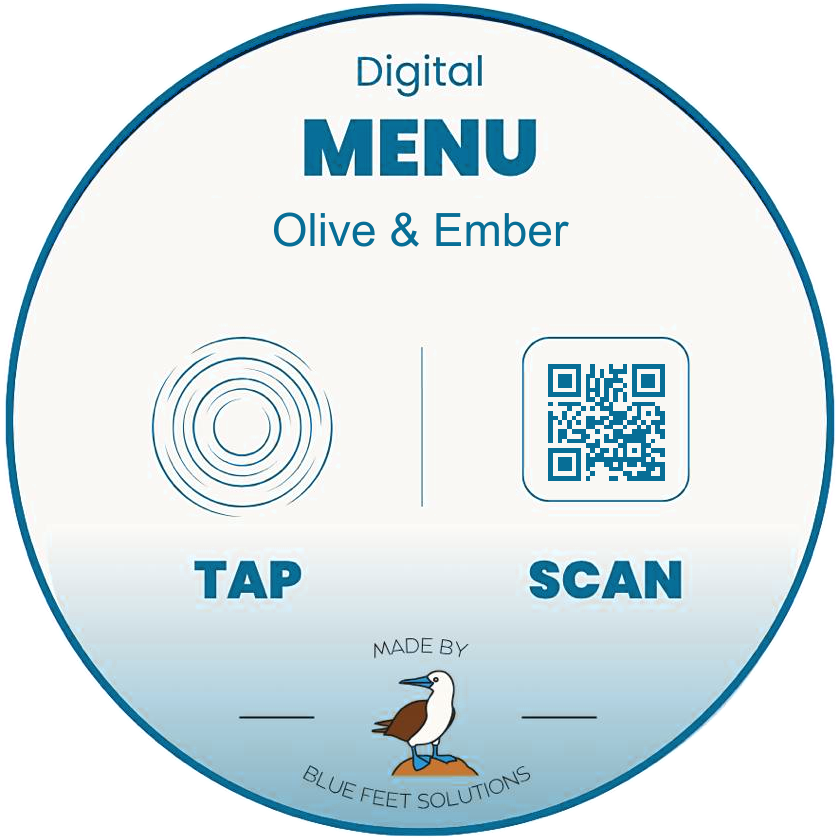
We supply physical NFC tags for your restaurant. Put them on tables or at the counter. Guests tap a compatible phone or scan the QR code to open your menu.
Get NFC tags for your restaurantWe create and maintain branded digital menus for restaurants, cafes, and food trucks. We organize your dishes, prepare your images, set up NFC and QR access, and handle menu changes. You can review a private preview with our team before we publish it. The example screens on this site use a fictional restaurant, sample dishes, and sample prices.
No app and no guest account. Guests tap a compatible, NFC-enabled phone on a table tag, scan the QR code, or open your menu link. The menu opens in their browser.
Guests can scan the QR code instead. Both routes open the same menu in their browser. NFC tapping requires a compatible phone with NFC enabled.
Send a change through your private request link. Our team reviews and updates the menu. Your menu address stays the same, so the existing NFC tags and QR codes keep working.
No. Online ordering, payments, reservations, and point-of-sale integrations are not part of this service. Blue Feet presents your menu; your existing service and payment workflow stays in place.
Use the restaurant questionnaire to share your restaurant details, current menu, logo, and any food photos you have. No account is needed, and nothing is published automatically. Questions first? Message us on WhatsApp at +1 (954) 849-8335.
Tell us about your restaurant and share your current menu. We'll take it from there.